
NCTI bridges the gap between PTC Codebeamer and Microsoft Teams - and makes communication directly actionable. Your teams can manage work items, receive notifications in real time, access wikis and create tickets - all directly in Microsoft Teams.



HIGHLIGHTS
Leading Features
NANGA CTI connects PTC Codebeamer and Microsoft Teams through a seamless integration layer that embeds collaboration and development workflows directly into the communication environment. With real-time updates, contextual actions, and deep system connectivity, it ensures efficient and consistent cross-tool collaboration, enabling teams to work seamlessly across both systems. These capabilities are reflected in the following features that bring key Codebeamer functions directly into Microsoft Teams.
Kanban Boards in Teams
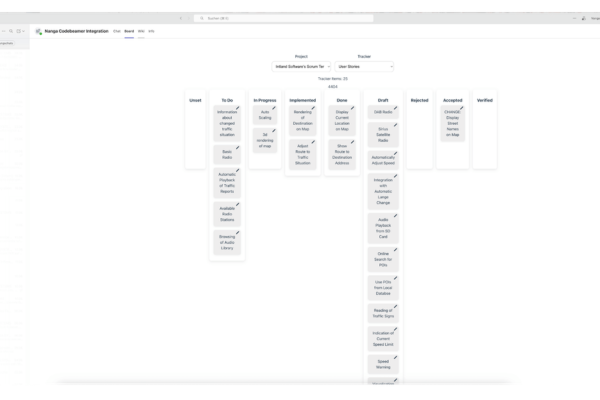
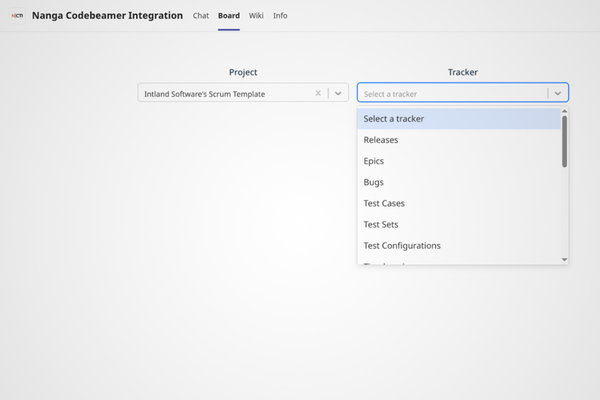
Embed Codebeamer Kanban boards directly into Microsoft Teams channels for a fully interactive experience. Move cards, update statuses, and manage work items without leaving Teams. Mandatory fields are handled through contextual dialogs to ensure data consistency.
Real-Time Notifications
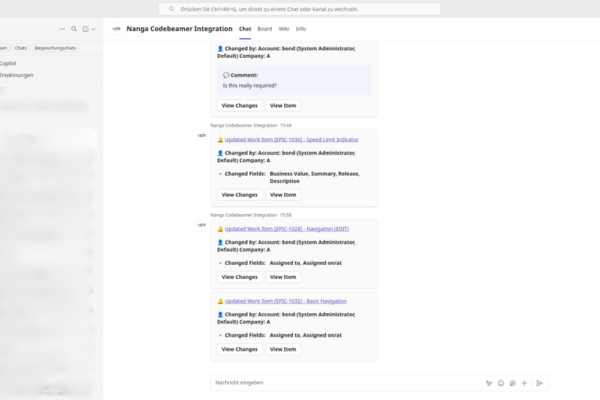
Stay up to date with automated Codebeamer notifications delivered directly into Teams channels or chats. Updates such as status changes, comments, or new work items are clearly formatted and include direct links to the relevant items.
Integrated Wiki Access
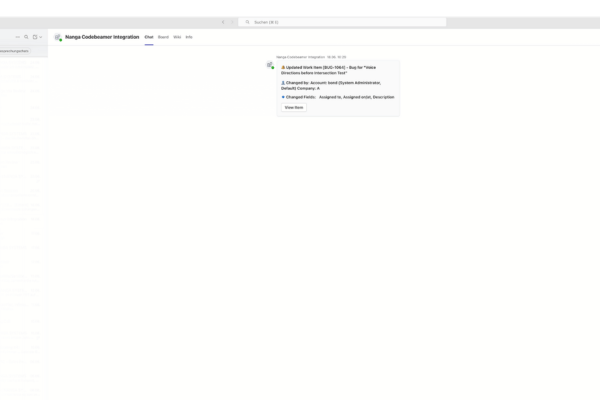
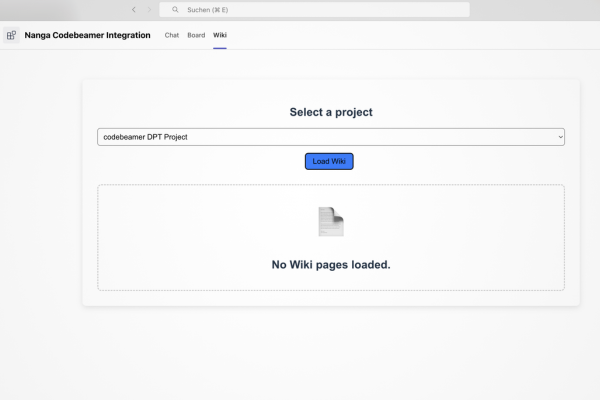
Access project documentation and wikis directly within Teams. Wiki pages are fully rendered and allow seamless navigation between linked content, keeping knowledge accessible in context.
In-Chat Ticket Creation
Create Codebeamer work items directly from Teams conversations with a single click. Interactive forms ensure structured input, while automatic channel configuration assigns the correct project and tracker.
Mobile Access
Stay connected to key updates and collaboration content across desktop and the mobile app. Keep teams informed and responsive anytime, anywhere.
View Change History
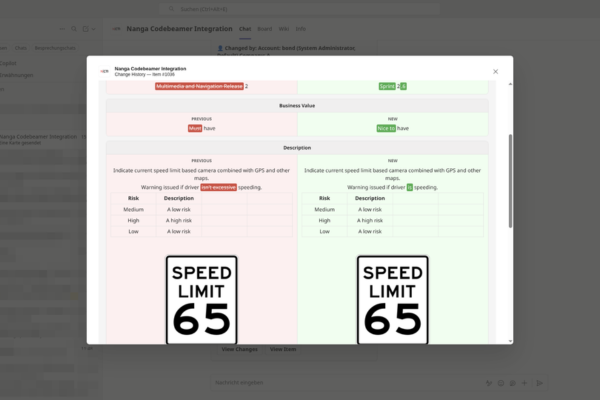
See exactly what has changed at a glance through clear, inline comparisons. Understand updates instantly and review them directly in context, including optional comments for faster alignment.
View and Edit Tracker Items
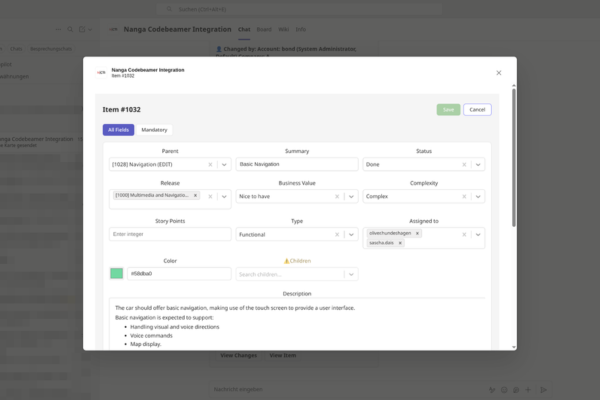
Open full Codebeamer tracker items directly from Teams notifications and get a complete overview of all relevant fields without leaving Microsoft Teams. Switch seamlessly into edit mode to update information inline and save changes back to Codebeamer while maintaining full traceability.
Intelligent Dropdown Search
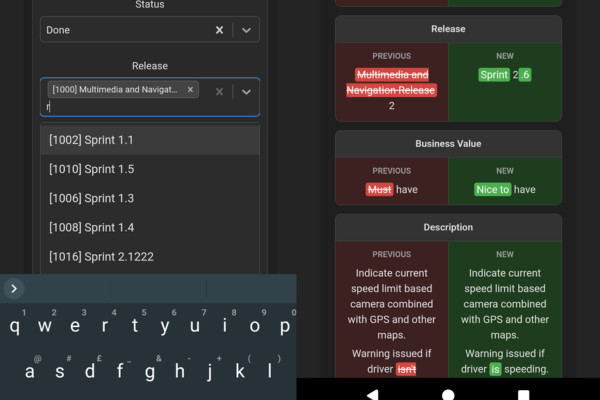
Work faster with responsive, search-driven dropdown fields. Find and select values instantly, even in large and complex datasets.
Stable Authentication
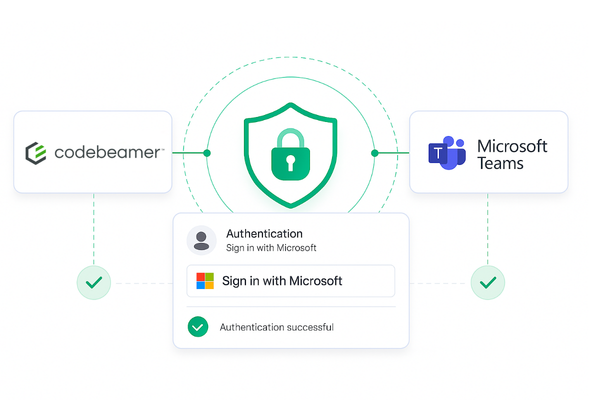
Ensure secure and stable sessions through reliable Microsoft authentication handling. Maintain uninterrupted access even during extended usage and long-running sessions.
CONTACT
THERE FOR YOU
Benefit from our many years of experience and outstanding expertise. Let NANGA SYSTEMS provide you with comprehensive advice.
Gain insights and use cases for a better, faster and more cost-effective digital infrastructure.
Get in touch with our experts:

Lars Joosten
SALES DIRECTOR



January Wygle-Rink
KEY ACCOUNT MANAGER